We can't find the internet
Attempting to reconnect
Dynamic Open Graph Images
Design once. Render thousands.
Build one Open Graph image template on your store’s live data. Every product page and every email gets its own — on-brand, current, and drawn automatically.
Page metadata · JSON-LD
@type Product
name “Aurora Sneaker”
price $149
image aurora.jpg
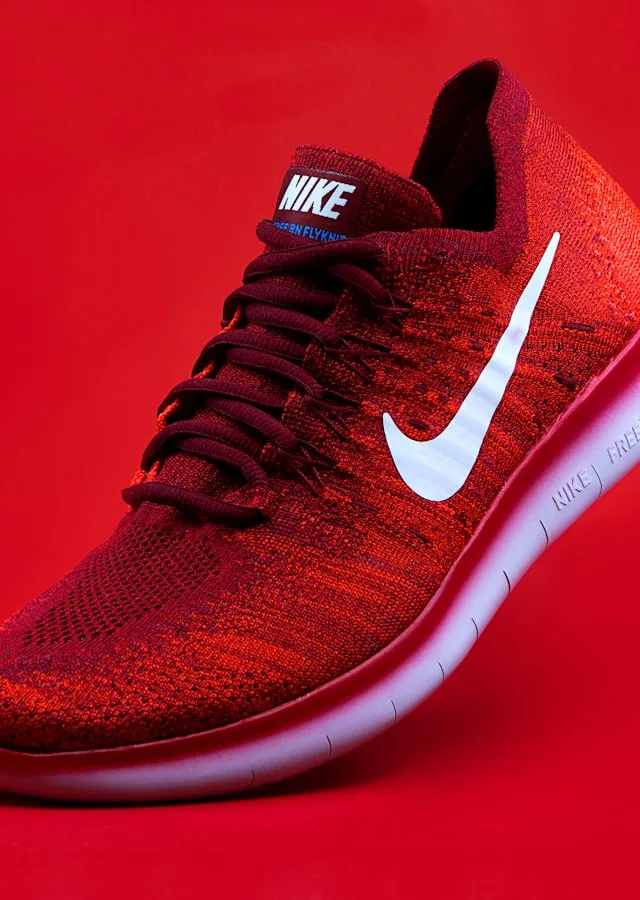
acme.store
Aurora Sneaker
Page metadata · JSON-LD
@type Product
name “Aurora Sneaker”
price $149
image aurora.jpg
Aurora Sneaker
$149
Page metadata · JSON-LD
@type Product
name “Aurora Sneaker”
price $149
image aurora.jpg
Aurora Sneaker
$149
Page metadata · JSON-LD
@type Product
name “Aurora Sneaker”
price $149
image aurora.jpg
Data source · Shopify
Aurora Sneaker
$149
Page metadata · JSON-LD
@type Product
name “Aurora Sneaker”
price $149
image aurora.jpg
Data source · Shopify
Business rules
on sale → show old price
Aurora Sneaker
$149 $129
Page metadata · JSON-LD
@type Product
name “Aurora Sneaker”
price $149
image aurora.jpg
Data source · Shopify
Business rules
on sale → show old price
stock < 5 → urgency
Aurora Sneaker
$149 $129
Page metadata · JSON-LD
@type Product
name “Apex Runner”
price $159
image apex.jpg
Data source · Shopify
Business rules
on sale → show old price
stock < 5 → urgency
Apex Runner
$189 $159

Page metadata · JSON-LD
@type Article
headline “Spring trends”
author Maya Chen
image cover.jpg
Spring sneaker trends

Page metadata · JSON-LD
@type Article
headline “Spring trends”
author Maya Chen
image cover.jpg
Spring sneaker trends
by Maya Chen · 5 min read
Page metadata · JSON-LD
@type Article
headline “Spring trends”
author Maya Chen
image cover.jpg
Spring sneaker trends
by Maya Chen · 5 min read
Page metadata · JSON-LD
@type Article
headline “Clean your kicks”
author Devon Lee
image cover.jpg
How to clean your kicks
by Devon Lee · 4 min read
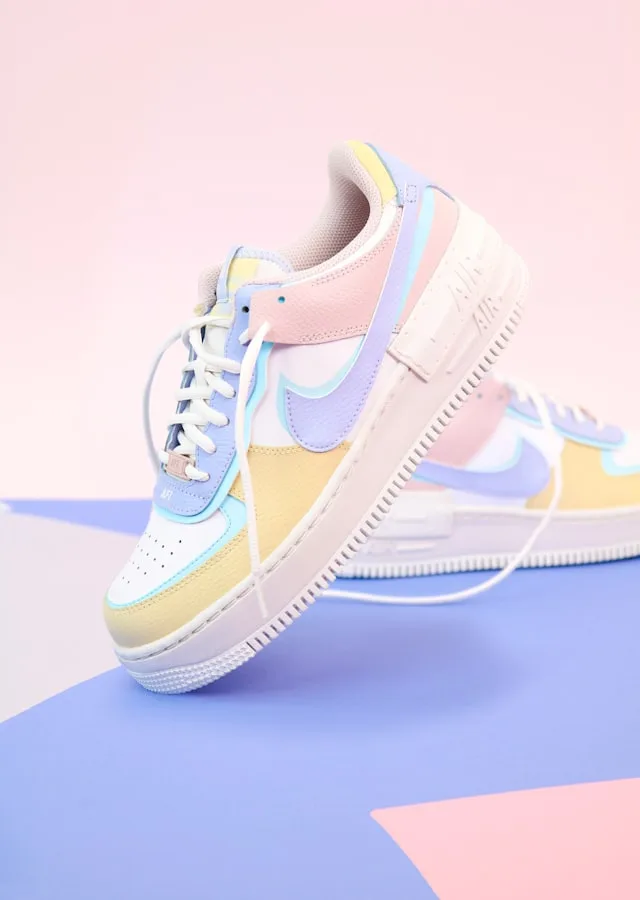
Page metadata · JSON-LD
@type Product
name “Trail Glide”
price $98
image trail.jpg
Data source · Shopify
Business rules
on sale → show old price
stock < 5 → urgency
Trail Glide
$120 $98
Page metadata · JSON-LD
@type Article
headline “Lacing 101”
author Sam Ito
image cover.jpg
Lacing 101
by Sam Ito · 3 min read
Page metadata · JSON-LD
@type Product
name “Court Classic”
price $120
image court.jpg
Data source · Shopify
Business rules
on sale → show old price
stock < 5 → urgency
Court Classic
$120
Page metadata · JSON-LD
@type Article
headline “Summer fits”
author Mia R.
image cover.jpg
Summer fits
by Mia R. · 6 min read
Page metadata · JSON-LD
@type Product
name “Aurora Low”
price $110
image low.jpg
Data source · Shopify
Business rules
on sale → show old price
stock < 5 → urgency
Aurora Low
$110
https://acme.store
Images that adapt to live data.
You might know them as og:images — the preview when a link is shared. That’s one use. Really they’re live: one template that redesigns its layout around the data’s current state — in stock or sold out, full price or on sale — and renders fresh on every request, for previews, email, and beyond.
Not just a thumbnail
The design reacts to the data.
One template — not a fixed box with a value dropped in. The layout itself responds to the data’s state, redrawn for whatever is true right now.


One template, whatever’s on — each card shows a sport that’s in season right now: live scores while games play, a countdown to the next matchup before they start, kickoff times in your local zone. It redraws from live data every render, and the layout never breaks.
For agencies
CRM & email,
personalized at scale
Turn clients’ CRM merge tags into hyper-personalized images — the system behind 6× demos and 128K accounts with zero manual work.
OpenGraphImage
to you · Your week in Columbus
Good morning — here's your local forecast, rendered just for you:

Live — generated from your location
What we've learned.
Read the blogOpen Graph Images: What They Are and How to Get Them Right

An Open Graph image is the preview picture shown when a link is shared. What OG images are, why each page needs its own, and how the HTML tags work.
How to Add Dynamic OG Images to a Shopify Store

Shopify already puts the product photo in the share card. Replace that cropped thumbnail with a branded card — photo, price, and store identity — from one theme change.
Why Nobody Makes OG Images at Scale (And What It's Actually Costing You)

You have hundreds of pages and one OG image. Here's why that keeps happening, why product photos don't cut it, and what it looks like when you fix it.